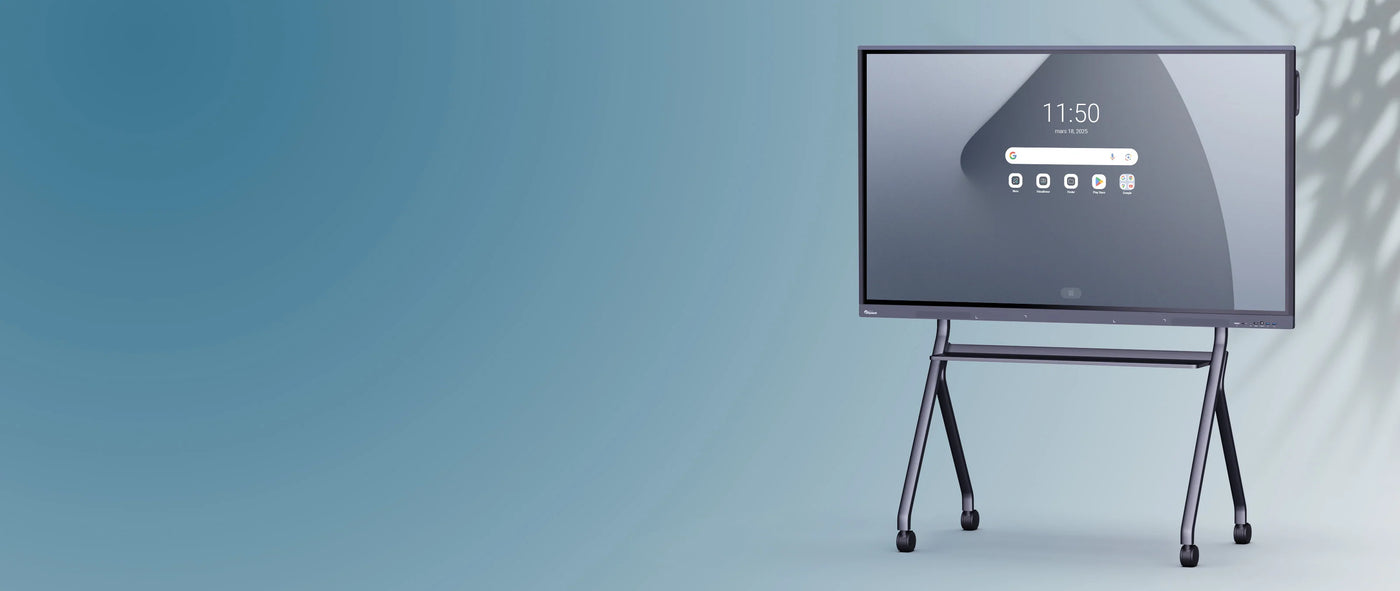
SPE-VI-51 Document Viewer
Description
Description
The Speechi SPE-VI-51 visualizer: a high-quality, affordable classroom observation tool
A Speechi VI-51 visualizer connected to an ENI or an IWB forms the perfect combination for collective observation work in the classroom.
While with its removable gooseneck arm, the professor will be able to precisely adjust his shots according to the nature of the object observed, the LED lamp integrated into the camera head, the anti-reflective sheet or the adapters for microscope will allow him to create the optimal conditions for his observation.
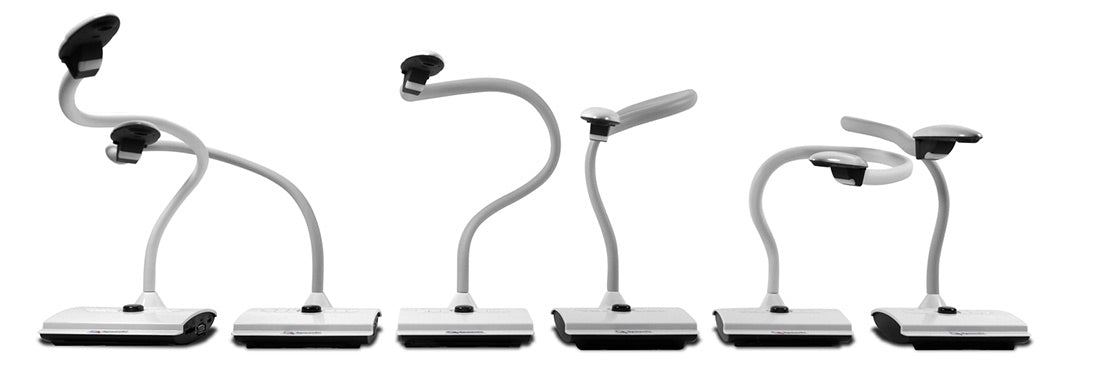
Excellent visual performance for high-quality image sharing in progress
The Speechi VI-51 classroom visualizer combines all the technical qualities to be the ideal companion for your classroom:
- a zoom that magnifies the viewed image by a factor of 8
- an 8-megapixel resolution
- a high-quality sensor and smooth images thanks to a frame rate of 30 frames per second
- an integrated microphone for your video recordings of scientific experiments with commentary
- a faithful color rendering
EyePresent Pro software for interacting with filmed images in the classroom
EyePresent Pro is a software provided with the Speechi VI-51 visualizer which allows you to view the filmed image with a whole range of tools at your disposal to annotate the image, zoom it, rotate it or even take image and video captures.
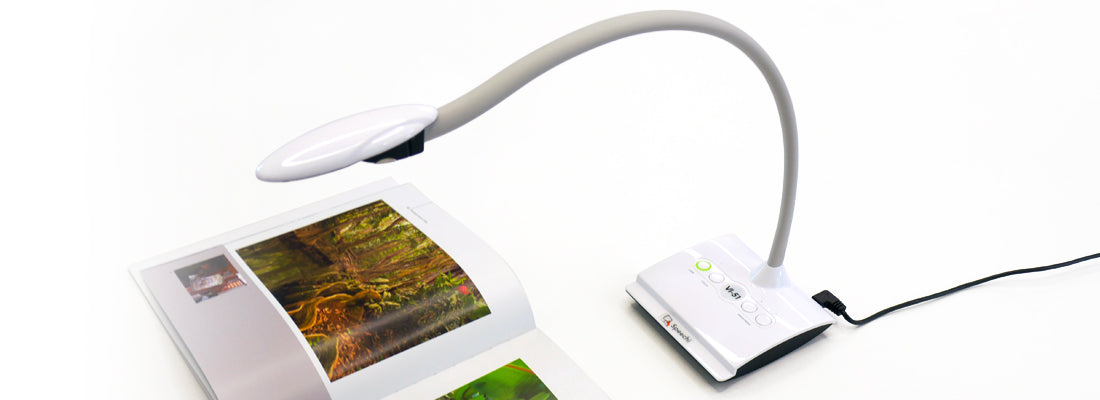

A simple and practical observation tool for schools
By offering the most requested and essential commands, the Speechi VI-51 visualizer is quick and easy to use.
On its base are 4 controls for:
- turn on the LED lamp
- decrease or increase its brightness
- to focus the image
What is a visualizer used for?
In a classroom or meeting room, you decide to show your audience a specific image.
If you don't have a document camera , you'll have to scan the document and print it so everyone can see the image to be commented on. This is a waste of time and money, and clearly has an environmental impact.
If you have a document camera , you place the image under it, connected via USB to your computer, which is itself connected to an interactive screen, for example. This way, your entire audience sees the same thing as you. This saves time and money and has no environmental impact.
Specifications
Specifications
-
Included accessories
-
Net weight
-
Camera resolution
-
Focus
-
Digital zoom
-
Frame rate