Windows Whiteboard License Iolaos
Couldn't load pickup availability
Vous souhaitez tester ce produit ? Faites une demande de prêt.
Description
Description
Iolaos: the digital and collaborative whiteboard for Windows
Your Windows whiteboard for teaching and collaborating on an interactive touchscreen
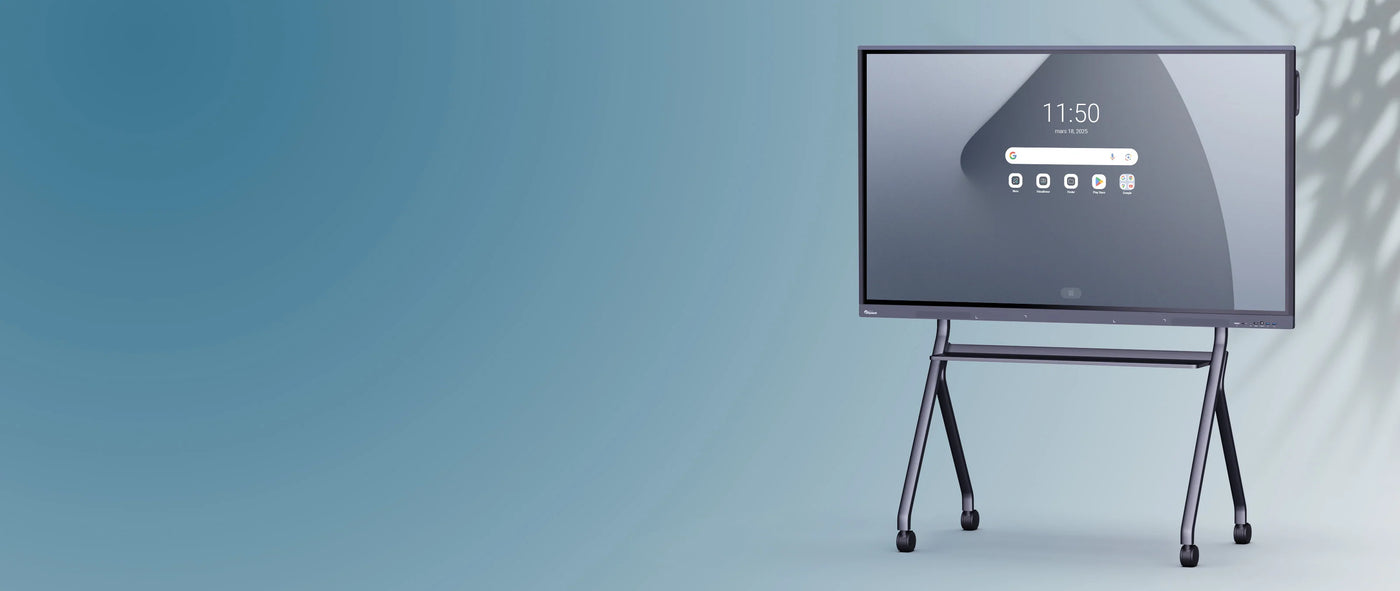
Iolaos is the digital whiteboard for presenting and leading your lessons, sharing your knowledge and ideas, facilitating discussions, and brainstorming, all on an interactive touchscreen with Windows. This software is the perfect tool for teaching and collaboration, and you can use it on any Windows-compatible screen (OPS, PC, tablet).
Easy to use and feature-rich, the educational and collaborative possibilities are numerous. Create endlessly, illustrate your points and transform your ideas into projects with this giant, interactive canvas.
Intuitive, comprehensive and compatible with many formats
Both comprehensive and easy to use, Iolaos offers an intuitive interface for easy navigation, just like on a touchscreen PC. You can enhance your presentations with local or online multimedia resources to captivate your audience, import all types of files, and export and share your whiteboard after a lesson or meeting.
Take advantage of a wide range of tools:
- Text and note-taking (free text, virtual notes, input, forms, etc.)
- Scientific modules (mathematics, chemistry, physics)
- Games (polls, timers, dice, etc.)
- Collaborative tools for launching remote sessions
Iolaos à la carte license: 1 license, 1 screen
Take advantage of Iolaos à la carte whiteboard software to equip your personal workspaces on Windows, PC or tablet.
Iolaos is available on a pay-per-view basis with individual licenses, allowing you to use your whiteboard on the OPS of your interactive display (pre-installed on our OPS) or on your other external PCs. Add as many screens as you have licenses (1 license = 1 screen).
Why use Iolaos on PC/tablet?
Having an interactive whiteboard tool is essential for both teachers and professionals. But Iolaos is more than just a whiteboard for taking notes. This comprehensive tool can serve as a teaching aid or presentation tool, much like an enhanced PowerPoint, thanks to its wide range of features that allow you to teach and present on numerous topics (text, annotation, multimedia resources, scientific modules, animations, interactive and collaborative sessions, etc.).
It can therefore be useful to have the software installed on your personal workspace, such as your PC, to prepare your presentations outside of your classroom or meeting room. Iolaos is software designed for Windows and optimized for interactive displays, so it works perfectly on both small and large screens.