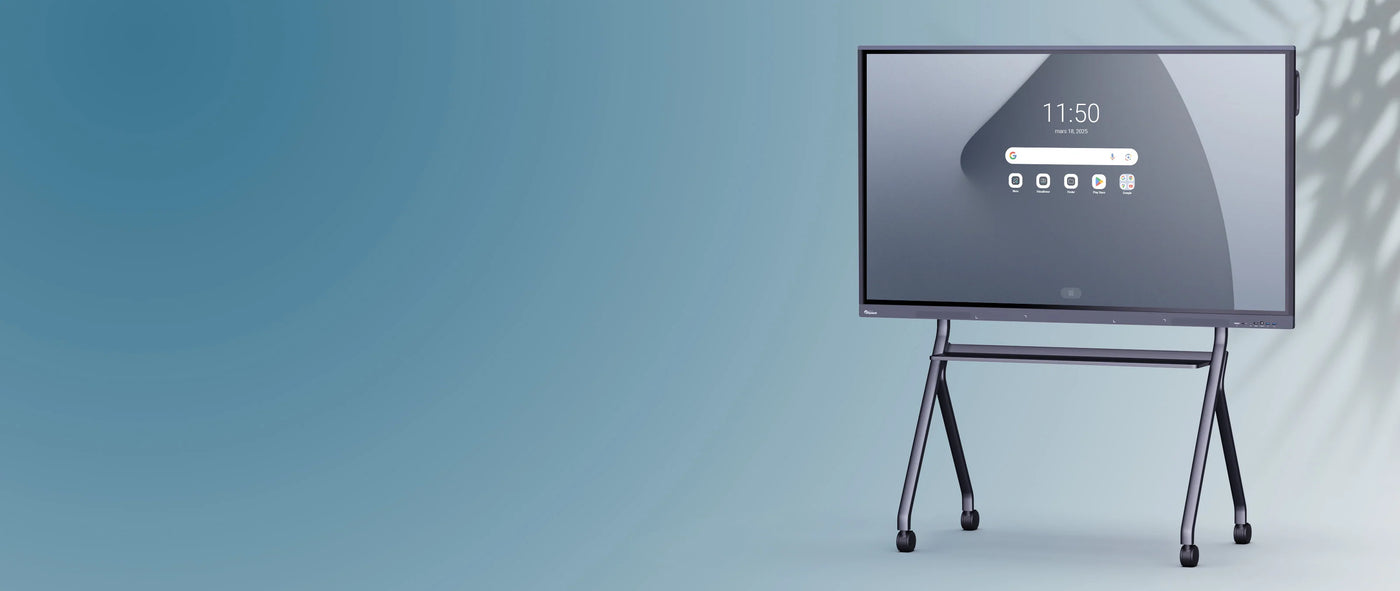
Android SpeechiTouch UHD interactive touch screen - 86"
Description
Description
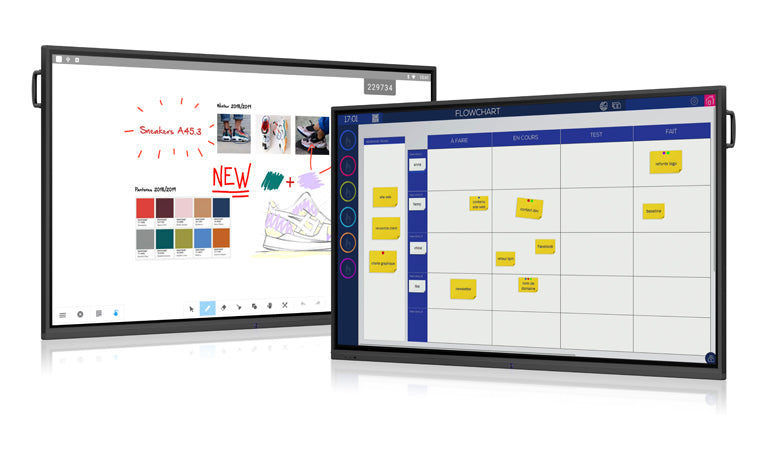
An Android operating system for ease of use
Thanks to their Android core, our interactive touchscreens can be used without needing to connect a computer. Start your presentations in seconds without having to wait for your PC to boot up.
The SpeechiTouch interactive screen features Android 8. Faster and more intuitive, it gives you access to the latest available features and optimizations.
The advantage of using Android on a screen? It's smoother and simpler to use, the gestures are similar to those you make on a tablet.
The processor installed on SpeechiTouch interactive displays makes them powerful work and presentation tools on which you can fully enjoy the latest applications from the SpeechiStore .
An ultra-simple user experience
The SpeechiTouch screen has front ports that offer users quick access to the most common connections (USB, HDMI IN, Touch), in addition to the ports located on the edge of the screen.
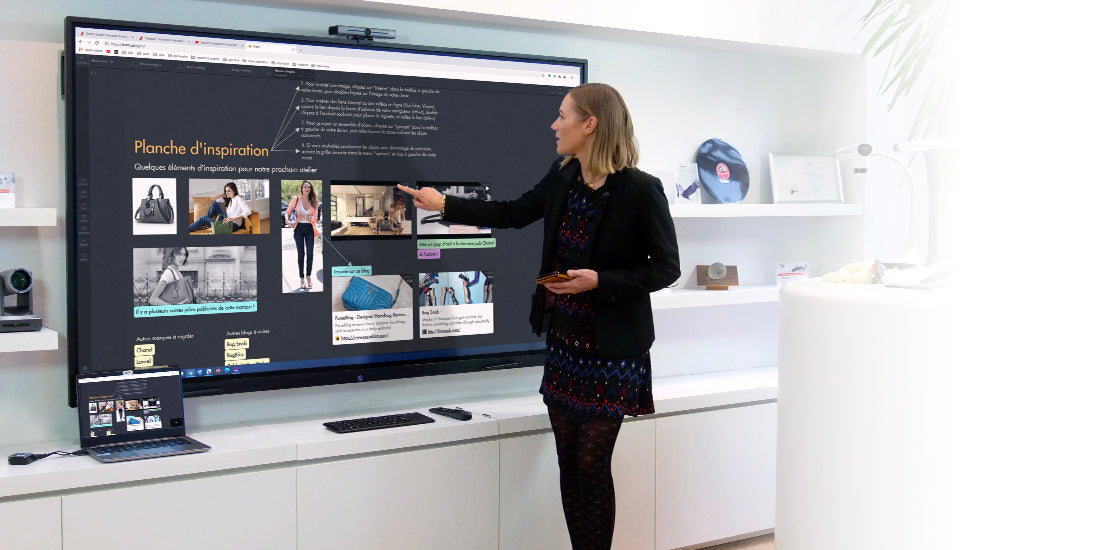
Certain on-screen actions can be performed using the remote control: quickly displaying the sidebar, taking screenshots, switching sources, etc. This remote control allows you to remotely control your screen and gain freedom of movement in your classroom or meeting room to enhance your presentation.
A durable and robust interactive screen
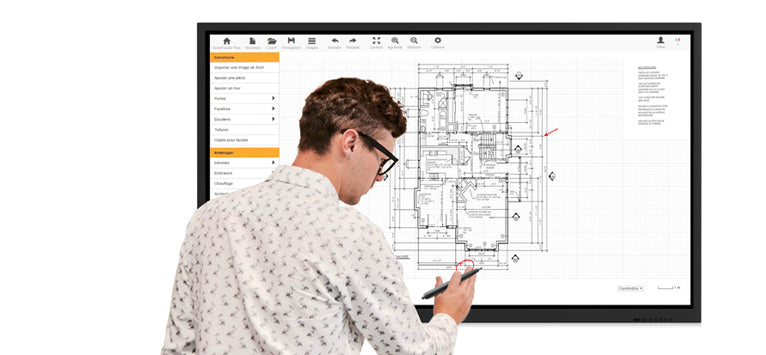
Thanks to its aluminum frame and tempered glass panel (level 7 on the Mohs scale, which measures the hardness of minerals), our touch screens are reinforced to withstand daily shocks.
Ten people can write together on the screen without its performance being degraded thanks to its 20 touch points and 10 simultaneous writing points which make the SpeechiTouch screen a collaborative tool par excellence.
Furthermore, since there is no maintenance to be carried out, the lifespan of interactive screens is very long.
Like all our SpeechiTouch interactive displays, this touchscreen is compatible with all our stands and mounts (VESA 600 x 400mm) and can be easily fixed to any wall.
Available in multiple sizes and 4K resolution
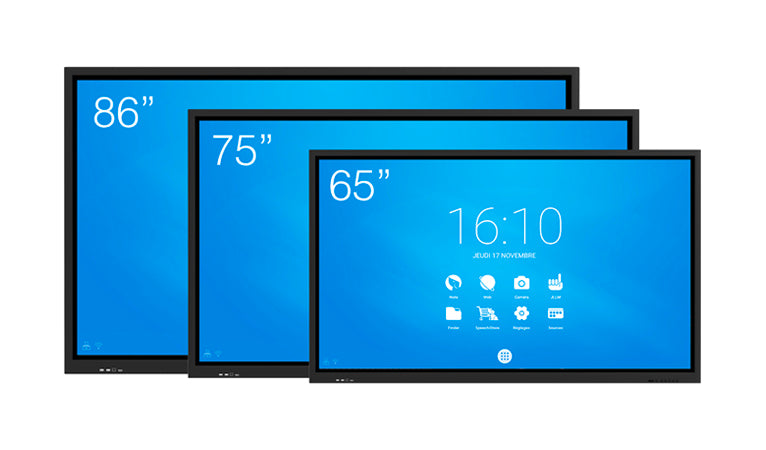
The SpeechiTouch interactive screen is available in different sizes:
- Speechitouch 65" interactive touchscreen for small rooms (classrooms or meetings...)
- Speechitouch 75" interactive touchscreen for all room sizes
- Speechitouch 86'' interactive touchscreen for large classrooms and meeting rooms.
The various models allow you to equip all your rooms, regardless of size. This range of touchscreens consists exclusively of 4K models to offer you a flawless image in the highest possible resolution.
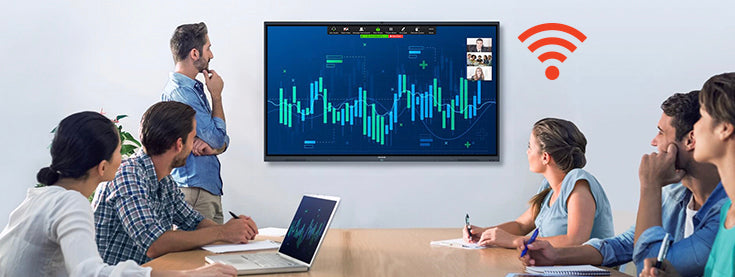
A Wi-Fi dongle to create a wireless hotspot
Thanks to the optional Wifi module of this range of touch screens, create your own Wifi network (2.4GHz or 5GHz frequencies) and transform your interactive screen into a stable and fast wifi access point to which people in the classroom or meeting room can connect.
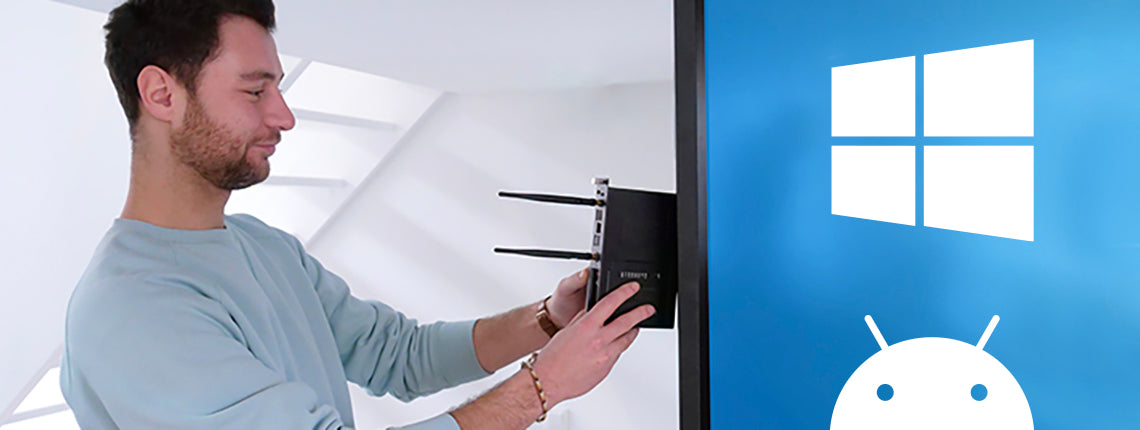
The computer is directly embedded in the screen.
Do you want to work on a Windows PC without having to make any connections? The OPS module (optional i5 or i7) will provide this convenience because it integrates directly into the edge of the screen. From your interactive display, you can switch seamlessly between the Windows PC and the embedded Android 8 interface.
With the Android system, your touchscreen transforms into a giant tablet, giving you access to the same types of applications and using the same intuitive gestures. With the Windows system, you find your computer's environment and software on an enlarged projection surface.
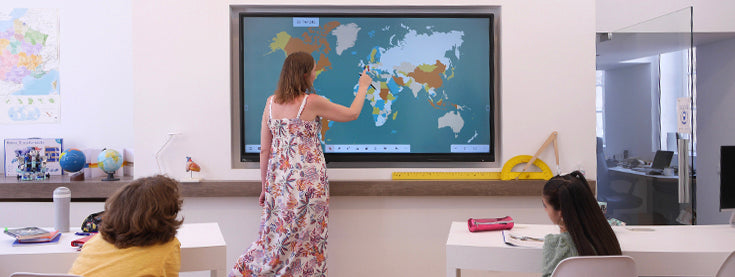
Write, an intuitive annotation software
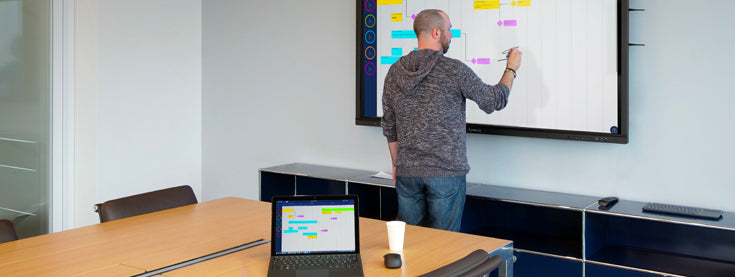
Write software is installed on SpeechiTouch touchscreens. From the sidebar toolbar, easily accessible regardless of the source, open Write and annotate all your presentations.
This annotation software offers numerous features: you can choose the color of your two styluses' tips, change the background, and more. Write also allows you to quickly export your presentation via email or QR code to share it with participants.
Eshare / iMirror, hassle-free mirroring
Mirroring allows you to display the screen of your tablet, smartphone, or PC on the SpeechiTouch touchscreen. Two mirroring applications, Eshare server and iMirror, are installed on the SpeechiTouch screen, making it very easy to display the content of any device on the SpeechiTouch touchscreen in just a few seconds.
Eshare for mirroring and more
Eshare allows you to mirror your screen from both Android and Windows devices. This application also lets you reverse the screen sharing and display the content of your interactive screen on your computer, or even annotate it. To mirror using Eshare, simply install the Eshare app on your device.
Specifications
Specifications
-
Diagonal of the screen
-
Panel type
-
Viewing angle
-
Average lifespan of the panel
-
Display ratio
-
VESA
-
Brightness
-
Camera mount
-
Included accessories
-
Energy consumption
-
Product dimensions
-
Net weight
-
Video quality
-
RAM
-
Wifi
-
HDMI 2.0
-
HDMI OUT
-
Ethernet port (RJ45 IN)
-
USB Touch
-
USB 3.0