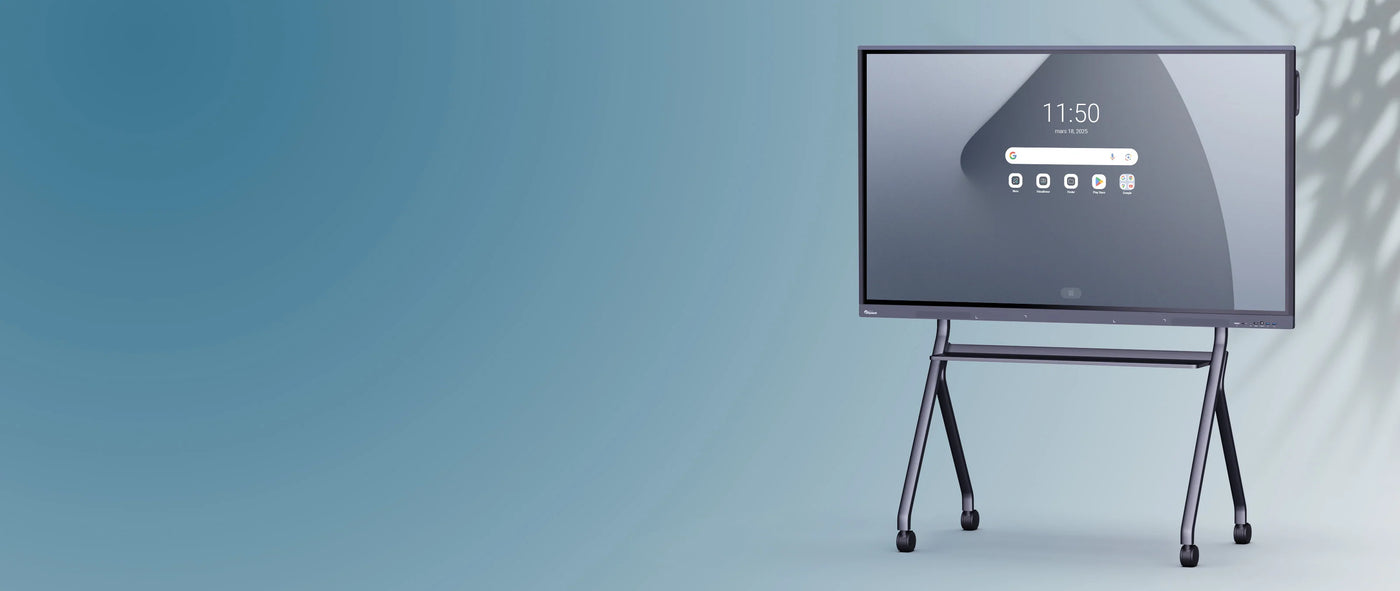
4K Impact Gen 2 Clevertouch interactive display | 75''
Couldn't load pickup availability
Description
Description

A standalone touchscreen thanks to its Android core
Thanks to its integrated Android core, the interactive screen functions in every way like a touchscreen tablet:
- Autonomy: The interactive screen is self-sufficient and requires nothing else to be used.
- Quick start-up: It takes only a few seconds for it to be ready for use.
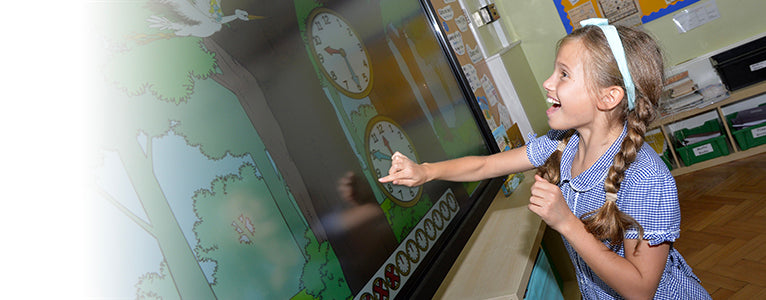
- Excellent user experience: The speed, fluidity, and intuitiveness of its interface make it an excellent tool for classes and meetings.
Cutting-edge technology at the service of the user
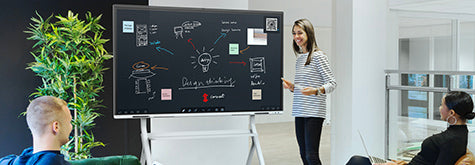
Excellent image quality
All interactive screens in the Impact 2 range offer 4K, ultra-high definition (UHD) image resolution that provides exceptional image quality with colors and images rendered with precise detail.

A powerful Android and a strong processor
The 75'' Clevertouch Impact 2 interactive screen features Android 8. Fast and intuitive, it facilitates your interactions with the screen and gives you access to the latest available features and optimizations.
The power of its processor - increased in this second generation (32 GB ROM and 3 GB RAM) - allows you to fully enjoy the latest applications from the Cleverstore.

Two styluses for writing in multiple colors
The two styluses provided with the Impact 2 touchscreen each have two tips to assign them a color and differentiate users if multiple people are interacting with the screen.

An OPS PC built into the screen (optional)
Do you want to have permanent access to a Windows PC from your touchscreen without having to plug in your own? This is possible with the OPS module (i7, optional) to slide into the slot located on the side of the touchscreen. From your screen, you can then switch between the integrated Windows PC and the embedded Android and vice versa.
Varied connectivity: numerous ports to connect all your devices
The Clevertouch Impact 2 interactive screen features around twenty ports, including:
- a USB-C port for connecting any device and capable of fast charging
- three USB-A 3.0 ports for fast data transfer
- three HDMI IN ports
- etc. (consult the detailed list of ports on the technical sheet)
Available in several sizes
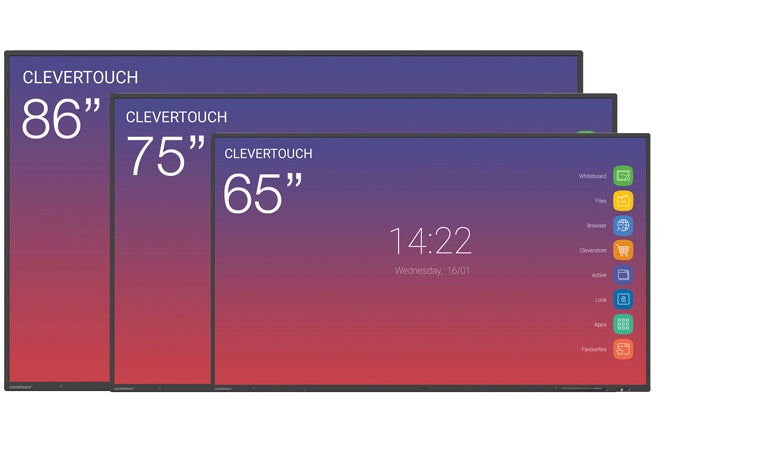
The Clevertouch interactive screen from the Impact 2 range is available in 3 sizes: 65", 75", 86".
- the Clevertouch Impact 2 - 65" interactive touchscreen for small rooms (classroom or meeting room, etc.)
- the Clevertouch Impact 2 - 75" interactive touchscreen for all room sizes
- the Clevertouch Impact 2 - 86'' interactive touchscreen for large classrooms and meeting rooms.
Like all Clevertouch touchscreens, this screen is compatible with all our stands and mounts (VESA 600 x 400 mm) and can be easily fixed to any wall.
A software suite to animate lessons and manage screens
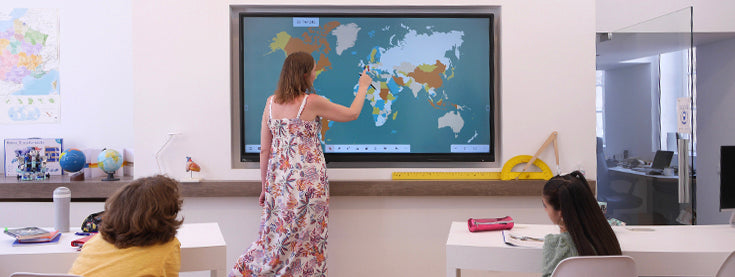
An educational software suite
The Clevertouch Impact 2 interactive screen includes a software suite to facilitate the preparation and animation of your lessons:
- Whiteboard: a whiteboard with all the necessary writing and drawing tools.
- Lynx: annotation and presentation software to create as many slides as you wish.
- Cleverstore: a store of free and ad-free educational applications.
- Snowflake: software for creating interactive activities in class.
In addition, take advantage of the Clevershare mirroring application to share your content on the interactive screen, as well as the Cloud to save your work to your personal space and collaborate better.

Touchscreen management software
The Impact 2 interactive touchscreen also includes two software programs that will be useful at an institutional level:
- The digital signage software, ClevertouchLive, to create, customize, and broadcast messages on all Clevertouch screens.
- The remote screen fleet management software (MDM), to turn off all screens from a single workstation, install applications, perform updates, etc.
- The customizable menu software to customize your screens to the image of your school or organization.
Specifications
Specifications
-
Diagonal de l'écran
-
Angle de vue
-
Verre de protection
-
Durée de vie moyenne de la dalle
-
Ratio d'affichage
-
Ratio de contraste
-
VESA
-
Luminosité
-
Support pour caméra
-
Accessoires inclus
-
Dimensions du produit
-
Poids net
-
RAM
-
Wifi