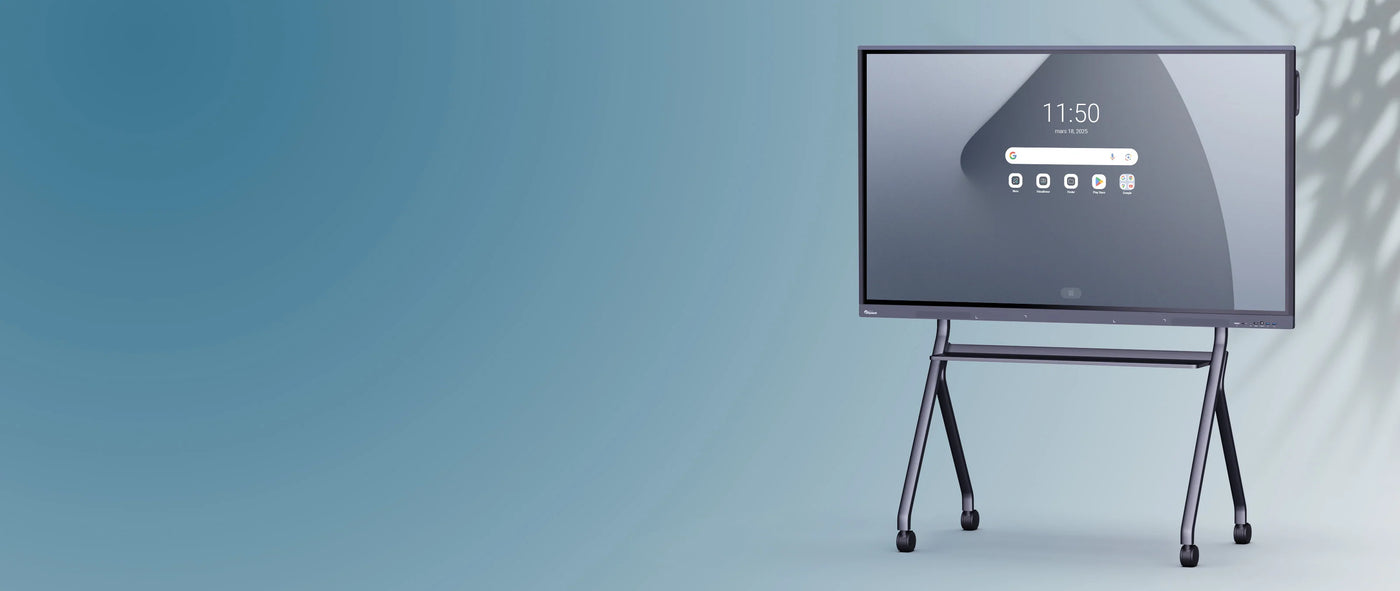
Clevertouch Impact Plus Gen 2 4K Interactive Display | 65"
Couldn't load pickup availability
Description
Description
A powerful Android 9 interactive display with high-precision technology and zero bonding for the classroom
Very high resolution images
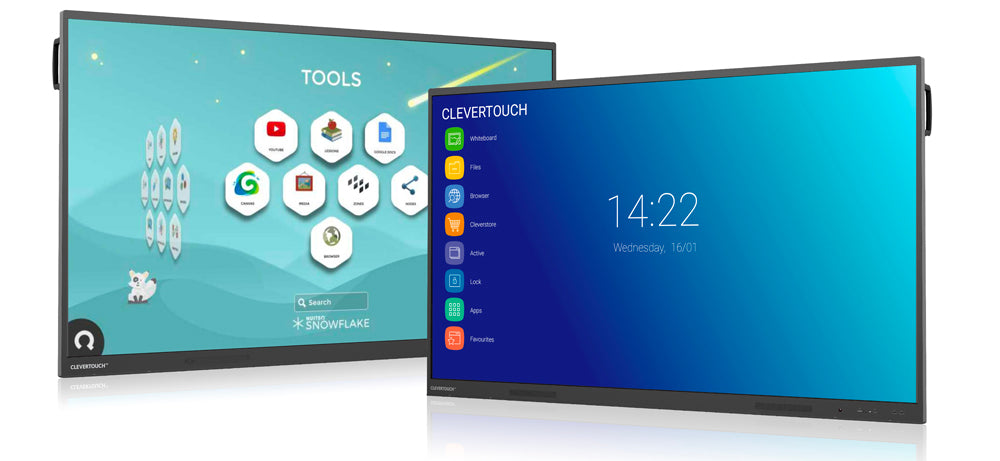
The interactive displays in the Impact Plus 2 range all feature an Android interface with 4K resolution (3840 x 2160 pixels) and a very high pixel density. This resolution allows for the display of excellent image quality, with extreme precision and nuanced color rendering.
A powerful Android 9 operating system and an enhanced processor
This second-generation Clevertouch Impact Plus interactive display features fast and intuitive Android 9, giving you access to the latest features and optimizations. Its powerful processor (64GB ROM / 6GB RAM) has been upgraded to allow you to fully enjoy the latest apps from the Cleverstore.
An interactive screen that incorporates innovative features
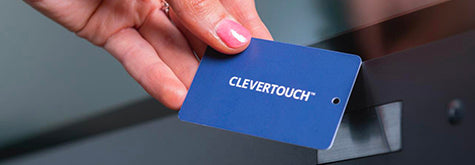
Create personalized sessions on the screen using the NFC sensor
An optional NFC reader is available to place under the frame, allowing each user with a card to authenticate themselves simply by placing it on the reader and access their personal space with files, apps, etc. In your school, this provides each teacher with secure access to the screen and its data.
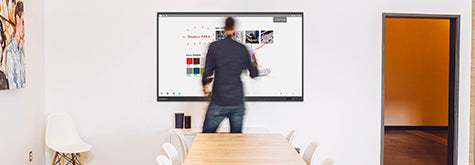
Automatically turn on the screen when people are present
With its integrated motion detector, the interactive screen anticipates your needs by turning on as soon as movement is detected, eliminating startup time. Conversely, you can set an automatic sleep mode to put it into standby mode and save energy.

A microphone integrated into the interactive screen for your video conferences and remote or hybrid classroom lessons
No need to rely solely on the microphone of your backup camera, since a network of 6 quality microphones is now integrated directly into the Clevertouch Impact Plus 2 interactive screen, an accessory that remains essential for all your remote video conferencing exchanges.

A simplified Clevershare connection to display your PC screen on the touchscreen
With the integrated Clevershare app, share the screen of any device (smartphone, PC, tablet) on the interactive display by logging into the app and entering the code displayed on your interactive display's menu. This mirroring tool is very practical for collaboration and group activities, and allows up to 50 devices to be connected to the screen, with 6 displays available simultaneously.
If you do not wish to install an application, opt for the Clevershare USB-C dongle (optional) which will automatically connect to the internal software of the Clevertouch interactive screen.
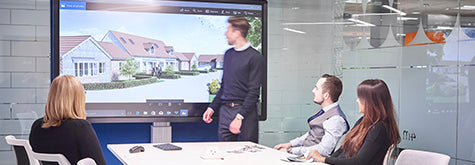
Integrated speakers and subwoofer for an optimal sound experience
The sound amplitude provided by its two front-facing speakers and complemented by a subwoofer (45W total) offers very high-quality sound for playing your videos and any other media, which is not insignificant for music lovers and for accompanying your teaching (music, history, etc.).

Two different styluses for writing in multiple colors
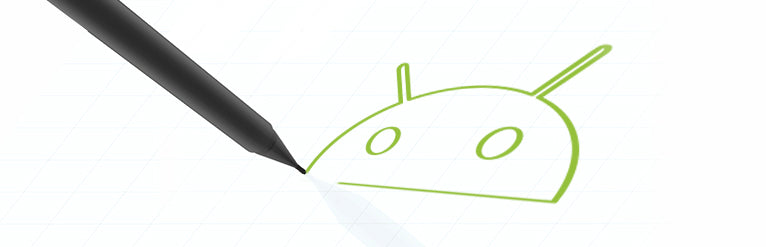
The two styluses included with the Impact Plus 2 touchscreen each have two nibs, giving them a different color and thickness. These super-cool styluses also offer a comfortable grip, like a real pencil, for easier note-taking, and are magnetic so you can always keep them close to the screen.
High-precision “Zero bonding” technology, accurate to the millimeter
In addition to the power of Android 9, the fluidity of writing and interaction on your Impact Plus 2 screen will be even more noticeable thanks to infrared “zero bonding” technology, which offers ultra-comfortable writing and unparalleled precision. Indeed, there is no more latency between the moment you write and what appears on the screen, since the gap between the writing point and the display panel is less than one millimeter.
Available in several sizes
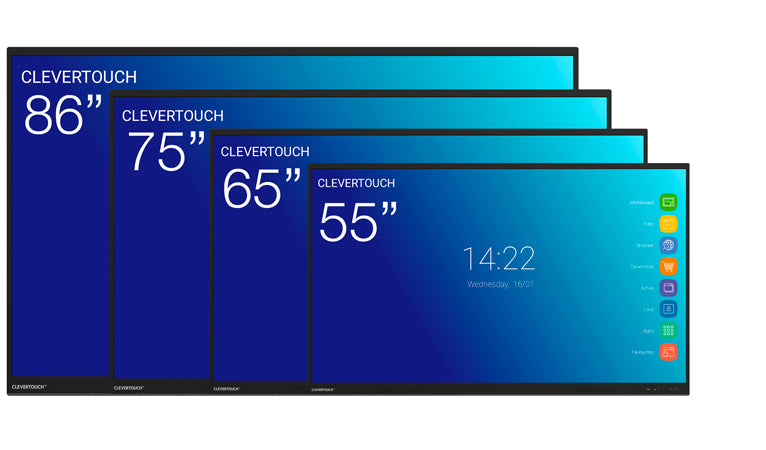
The Clevertouch interactive display from the Impact Plus 2 range is available in different sizes: 55”, 65”, 75” and 86”.
- The Clevertouch Impact Plus 2 - 55" interactive touchscreen for small spaces (groups of 10 people)
- The Clevertouch Impact Plus 2 - 65" interactive touchscreen for small rooms (classrooms or meetings...)
- The Clevertouch Impact Plus 2 - 75" for all room sizes
- The Clevertouch Impact Plus 2 - 86'' interactive touchscreen for large classrooms and meeting rooms.
Like all Clevertouch touchscreens, this screen is compatible with all our stands and mounts (VESA 400 x 200 mm) and can be easily fixed to any wall.
Software to enhance presentations and manage screens
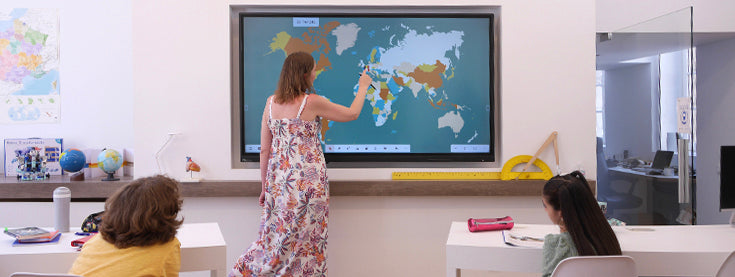
An educational software suite
To facilitate the preparation and delivery of your courses, training sessions and meetings, the Clevertouch Impact Plus 2 interactive screen offers you a software package:
- Whiteboard: a whiteboard containing all the necessary writing and drawing tools.
- Lynx: an annotation and presentation software for creating slides.
- Cleverstore: a store for free and ad-free educational apps.
- Snowflake: software for developing interactive classroom activities.
In addition, take advantage of the Cloud to work on an interactive screen and save your courses to your personal workspace, which you can also link to your NFC profile (optional).
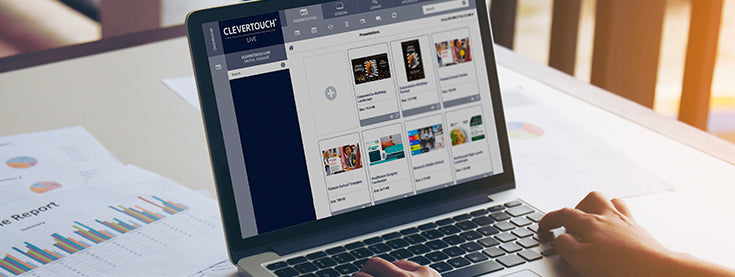
Software for managing a fleet of touchscreens
It also includes two software programs that will be useful to you on an institutional scale:
- ClevertouchLive digital signage software: create and broadcast personalized content across all your Clevertouch screens and alert via CleverMessage.
- Remote management software for a network of screens (MDM): turn off all the screens in your establishment from one workstation, install apps, perform updates, etc.
Also, the launcher (interface) of your screen is now customizable to personalize your screens with the image and colors of your school or organization via the ClevertouchLive application.

An OPS PC to boost your interactive screen (optional)
Do you want to have permanent access to a Windows PC from your touchscreen without having to plug in your own?
This is possible with the OPS module (i7 , optional) which slides into the slot located in the edge of the touchscreen. From your screen, you can then switch between the Android interface and the Windows interface thanks to the embedded OPS PC solution, using your touchscreen like a giant PC, and vice versa.
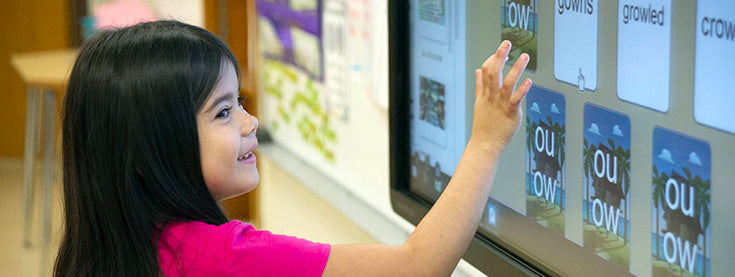
A full range of connectivity options to connect all your devices
The Clevertouch Impact Plus 2 - 65” interactive display has numerous ports, including:
- two USB Type-C ports allowing you to charge your devices very quickly and one of which allows you to connect to the network, located on the front of the screen for easy connections.
- four USB Type-A 3.0 ports that allow for fast data transfer, one of which is located on the front of the screen for better accessibility.
- three HDMI IN ports and one HDMI OUT port, etc. (see the detailed port list in the technical specifications)
Specifications
Specifications
-
Diagonal de l'écran
-
Angle de vue
-
Verre de protection
-
Ratio d'affichage
-
Ratio de contraste
-
VESA
-
Luminosité
-
Support pour caméra
-
Accessoires inclus
-
Dimensions du produit
-
Poids net
-
RAM
-
Wifi