Coin Coin Mini Wireless HDMI Transmitter with Receiver
Couldn't load pickup availability
Description
Description
The Coin Coin Mini: simply transmit the image from your PC or smartphone to your interactive screen
A wireless Wi-Fi box for cable-free presentations and up to 4 devices
Developed by Speechi, this (mini, as its name suggests) box allows for efficient collaboration and saves considerable time when setting up meetings. Connect the receiver to your interactive screen and the transmitter to your chosen device to simply project your content.
No need to install software or an application beforehand; the connection will be made in less than 17 seconds. It's a plug & play collaborative tool.
Your images will be transmitted smoothly and responsively while enjoying Full HD resolution.
Universal, the Coin Coin Mini box is equipped with the most common connectors: USB and HDMI.
The Coin Coin Mini box includes a receiver (to be connected to your interactive screen) and a transmitter. The transmitter is also sold individually, as you can broadcast up to 4 different transmitters on your digital screen.
The interactive screen and the Coin Coin Mini mirroring box: a winning duo for effective meetings
By using an interactive screen to broadcast your content via the Coin Coin Mini wireless box, you will be able to retain what we call the "Touch function." This means you can take control of the broadcast content (change slides, display the next image, navigate a website, etc., directly on the interactive screen).
This touch functionality is directly compatible when the image is sent from a PC but can also be offered from a Mac provided a drive is used. To activate touch on your interactive screen, simply connect a Type B USB cable from the receiver to the screen (this cable is not supplied).
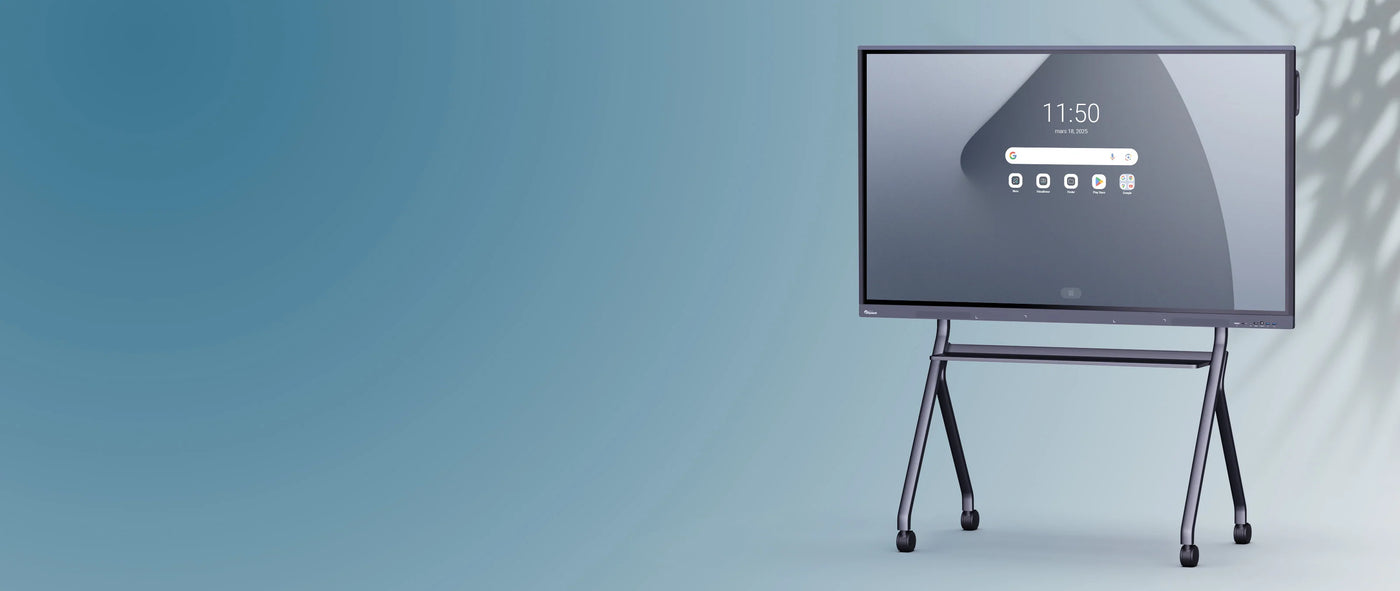
We regularly associate our SpeechiTouch interactive screens with BYOD (Bring Your Own Device) solutions such as the Coin Coin Mini wireless mirroring box. These product synergies are appreciated by professionals in all sectors for increased productivity.
How to quickly connect your Coin Coin Mini mirroring box to your digital screen?
Connect your PC (Windows or Mac) to your interactive screen
- Connect the Coin Coin receiver to the interactive screen via HDMI and USB.
- Then connect the transmitter to your computer via HDMI and USB*.
- Press the "cast" mirroring button to allow the receiver and transmitter to pair.
- That's it, your PC's image is projected onto the interactive screen, and you can control everything from the interactive screen thanks to touch!
*Also supports Miracast
Connect your mobile device (tablet or phone, Android or iOS) to your interactive screen
- Connect the Coin Coin receiver to the interactive screen via HDMI.
- Connect the transmitter to your mobile device (phone or tablet) via USB and connect the power via the second USB port.
- Ensure that the devices (transmitter and receiver) are connected to the same network.
- With iOS, press the "cast" mirroring button; your screen image will appear on the interactive screen, and you control it from your iOS phone or tablet.
- With Android, connect via developer mode by enabling USB debugging to cast content to the interactive screen.
If you wish to connect other transmitters to broadcast up to 4 contents simultaneously, you will need to proceed in exactly the same way.
To remember:
The Coin Coin Mini wireless mirroring box allows you to project your content (images, videos, files, etc.) onto an interactive screen in Full HD from any device: computer, smartphone, tablet.- Connect up to 4 devices simultaneously for screen sharing on the same interactive screen.
- Plug and Play, connect your transmitter to your device without needing to install any software beforehand.
- Compatible with all SpeechiTouch interactive screens.
- Full HD resolution achieved responsively and without latency during image transmission.
Specifications
Specifications
-
Accessoires inclus
-
Alimentation
-
Nombre de connexions simultanées
-
Wifi
-
Fréquence de rafraîchissement