ELMO MO-2 Visualizer
Description
Description
The Android viewer with mirroring technology
With its multiple ports, battery and Miracast technology, the ELMO MO-2 visualizer is a standalone visualization tool that adapts to all educational situations.
- Excellent optical quality: 16x digital zoom, 8MP camera, 30fps.
- Multiple joints and a rotating head to observe any type of object during class.
- USB, HDMI, VGA, SD ports…
- Miracast technology to wirelessly stream the image from the visualizer to an external monitor (interactive whiteboard, interactive whiteboard, etc.).
- A fully foldable and transportable model that can be moved from classroom to classroom.
- Built-in WiFi.
An ideal tool for science classes
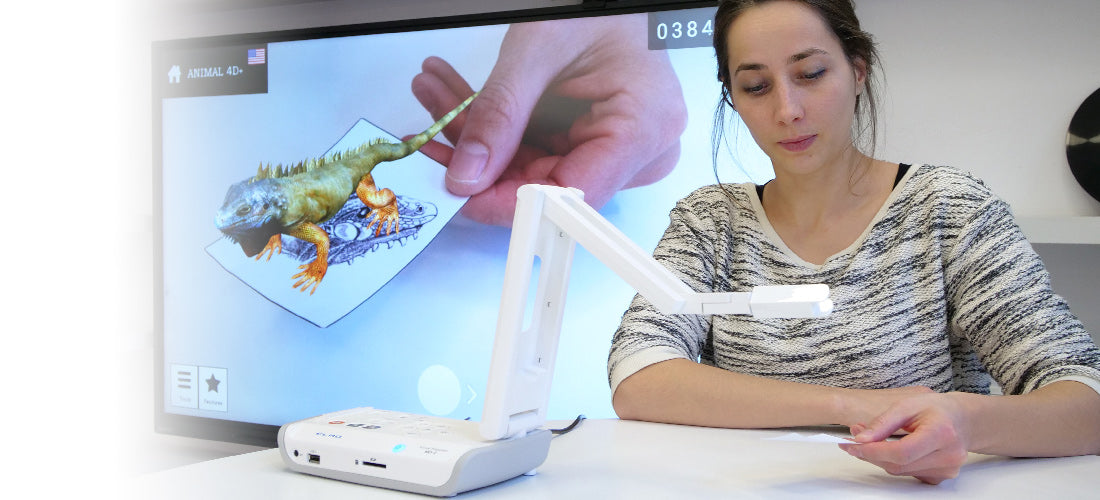
The MO-2 visualizer is perfect for filming your experiments and sharing them with your students on many possible media, saving your annotations and diagrams thanks to its SD card port.
A perfect visualization tool for classrooms
The ELMO MO-2 viewer combines all the necessary features to visualize an object in the classroom in the most accurate and precise way possible:
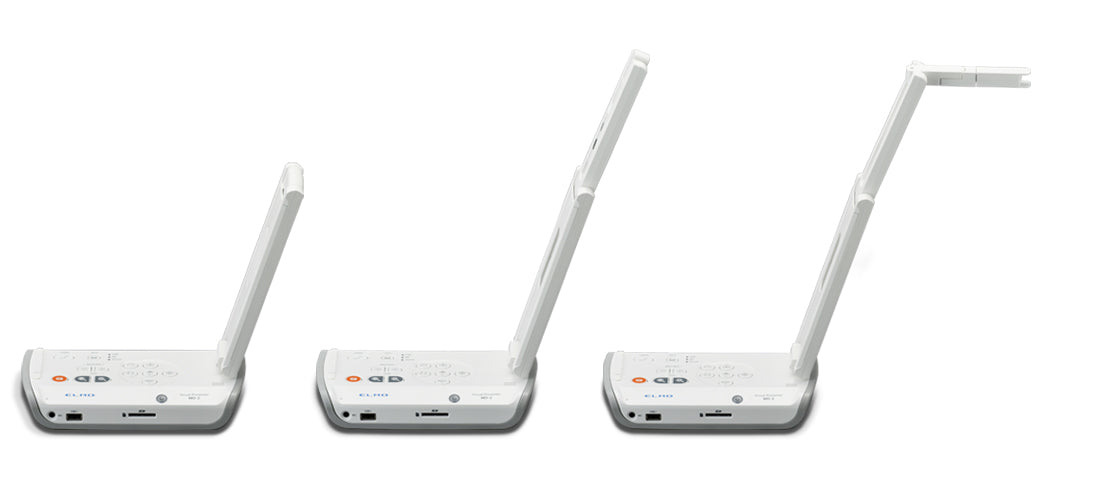
- Precisely position the camera head on the object you wish to view using its multi-jointed arm. The camera head itself rotates and pivots, allowing you to observe an object from numerous angles.
- Its 8MP camera delivers 1080p resolution images and smooth video thanks to a frame rate of up to 30 frames per second.
- Turn on the integrated LED in its head to provide additional brightness.
- Zoom (16x digital zoom) and autofocus using the buttons located on the base of the viewer.
A practical, standalone and flexible visualizer for the classroom
A foldable viewer
The MO-2 visualizer arm folds completely down onto its base when folded to form a single block that can be stored in the classroom or easily transported anywhere in the building.
A standalone viewer
The MO-2 document camera gives you great freedom of movement in the classroom thanks to its battery life of approximately 3 hours and 40 minutes. Once charged, the document camera can operate without being plugged in.
A class viewer with multiple ports
The image captured by the MO-2 visualizer can be displayed on a wide variety of monitors (interactive whiteboards, computer monitors, teacher's PCs, etc.), but that's not all. Thanks to its numerous ports, you can also:
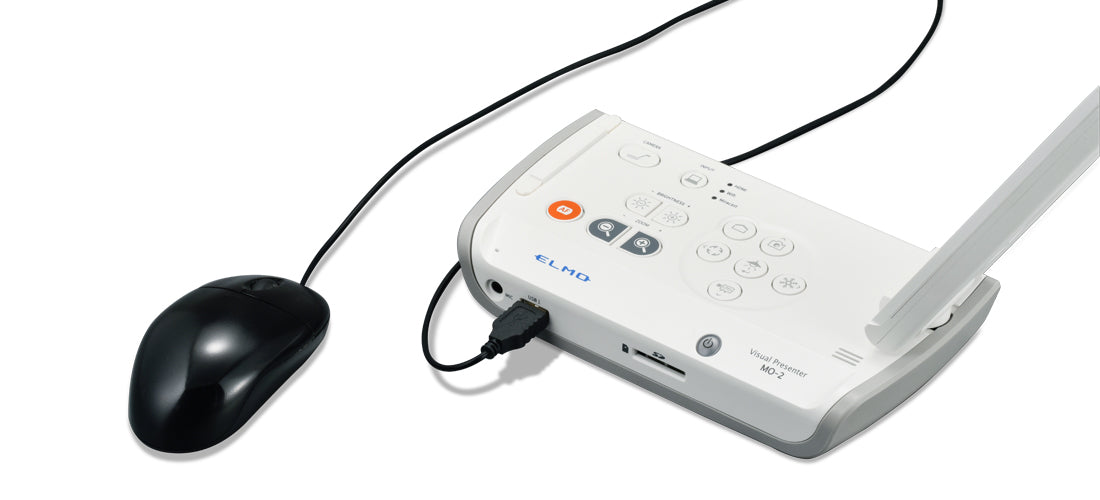
- connect it to external monitors (HDMI IN and OUT, VGA and USB 2.0).
- connect it to the internet (LAN).
- record captured and/or annotated images in progress, but also open recorded images via an SD card slot.
- Connect a USB flash drive or mouse using the USB 2.0 port.
- plug in a microphone which gives you the ability to film an experience from the viewer and record your audio commentary.

A viewer with built-in Android.
The MO-2 visualizer runs on Android. Connected to a PC, an interactive whiteboard (via HDMI or VGA) or an interactive digital display (via USB and HDMI), it offers several pre-installed applications:
- an annotation application that allows you to annotate the image displayed on the screen, the interactive whiteboard, the interactive whiteboard or the PC
- a QR code reader
- a whiteboard
- a gallery to view captured or filmed images
- a web browser
- a timer
- an app store: ELMO play
Connect your document camera to a giant interactive digital screen
Miracast technology for mirroring the visualizer to a screen
With Miracast technology installed on the integrated tablet, connect the MO-2 visualizer wirelessly to a Miracast-compatible screen to share your images with the widest possible audience, just like on an ENI Speechi.
Connect your document camera to an interactive digital display while maintaining touch control.
By connecting your document camera to the interactive digital display with an HDMI cable and a USB cable, you can transfer the image captured by the MO-2 document camera to the display while retaining touch functionality. From the large interactive digital display, you can then annotate the image recorded by the document camera, just as you would on its integrated tablet.
Specifications
Specifications
-
Compatibility
-
Included accessories
-
Product dimensions
-
Net weight
-
Camera resolution
-
Focus
-
Digital zoom
-
Frame rate
-
Shooting area
-
Wifi