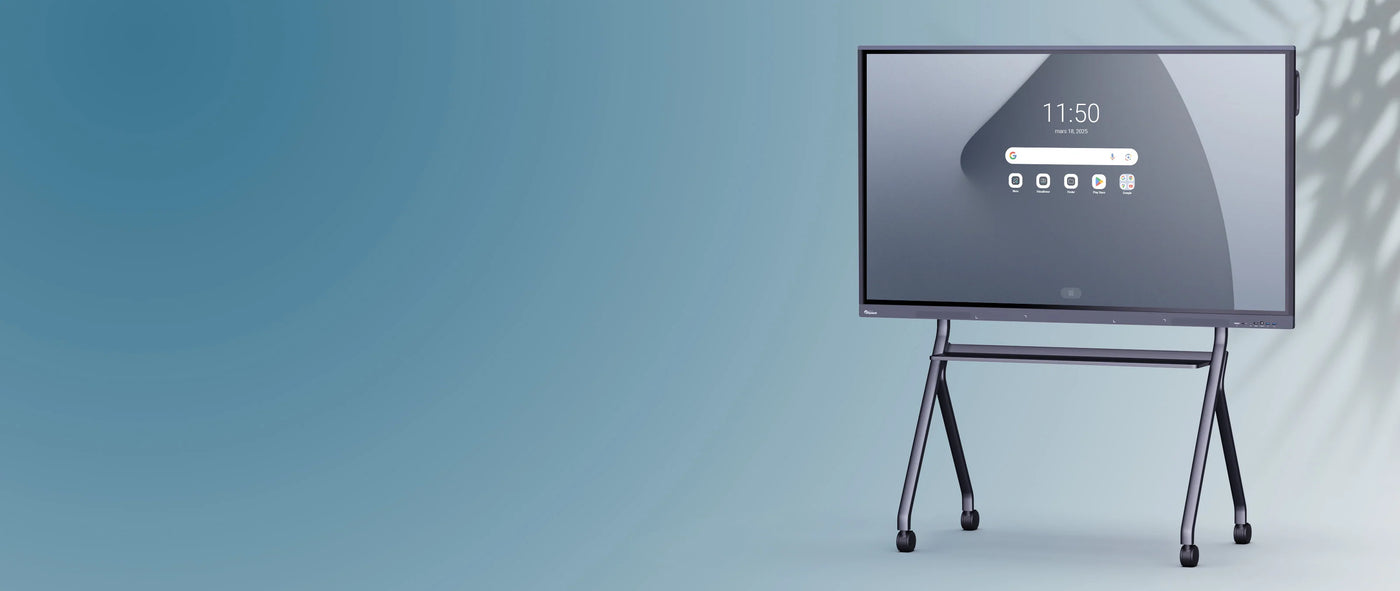
SuperGlass Essential Interactive Display | 86"
Description
Description
SuperGlass Essential: the accessible interactive display that focuses on the essentials for all teaching
As a specialist in digital displays for education, the SuperGlass Essential interactive touchscreen is an accessible and intuitive solution dedicated to all teaching and all rooms with its 3 sizes: 65'', 75'', and 86''.
With 8GB of RAM / 128GB of ROM and its Android 14 EDLA core, the SuperGlass Essential screen is perfectly suited for educational uses .
An ideal interactive screen for your classrooms
- A highly precise and fluid writing experience with both finger and stylus, suitable for all ages.
- A multitouch feature for multiple hands to interact on the screen
- A connected and personalized workspace that reflects your brand, thanks to Speechi Connect.
- Access to Google applications and services with EDLA certification
- An ultra-intuitive interface and a multitude of tools for both teachers and students
- A powerful, upgradeable Android 14 core to respond quickly to your usage
More than just a screen, an experience with the Speechi Connect OS
Our SuperGlass Essential interactive displays are integrated with the Speechi Connect license, a unique operating system developed by Speechi to offer you an interactive experience tailored to your image, consisting of a smartphone application and a centralized management platform.
The unique Speechi Connect ecosystem
- a personalized workspace that follows you everywhere
- a limitless connected interface
- data security guaranteed
- a wide range of exclusive applications and tools: instant file transfer, streaming for broadcasting on students' PCs/tablets, real-time subtitling in the language of your choice, etc.
- a platform for managing your fleet of interactive screens
Speechi Connect is included in its Starter version when purchasing the SuperGlass Essential interactive screen.
Google EDLA certification for interactive screens to get the most out of Speechi and Google
Everything about Google EDLA certification for interactive displays .
And above all, access to the Play Store directly on the screen or to the Speechi Connect management tool, to the Google Drive Cloud and to the Google Workspace suite of applications.
Are you working with Windows?
Just like on any PC, you can also integrate the Windows environment into your interactive touchscreen by choosing the OPS PC solution . This is a PC embedded in the screen that you add to give you access to the Windows environment and its software. Switch from Android to Windows with a single touch.
A host of tools for teaching on interactive screens
The SuperGlass Essential digital display offers a rich application environment to illustrate your content and enhance learning.
- A whiteboard to express your ideas on an infinite digital surface, enhanced with practical tools (PHet modules, handwriting recognition, intelligent search, shape recognition, mathematics, etc.)
- Automatic note-taking using the stylus for quick annotation, no need for a click.
- Screen sharing to share multiple content items on the interactive screen and exchange information in a more visual way.
- A palette of tools for annotating, timing, capturing images or video, freezing the screen, etc.
- Sidebar to access your calendar, video conferences, shared files, passwords, or live streaming.
- Picture-in-Picture to navigate between 2 applications without ever losing track.
To go further (optional)
In addition to the interactive screen, check out our range of complementary accessories useful for your educational and professional needs: screen mounts , embedded Windows PCs , video conferencing solutions ( cameras , speakers and microphones ), document cameras , BYOD/BYOM sharing solutions …